In today’s fast-moving digital world, abbreviations and texting terms appear everywhere. One common term many people see on their phones is MMS. Whether you noticed it while sending a picture, checking your mobile plan, or reading a text notification, you may have wondered: What does MMS mean in text?
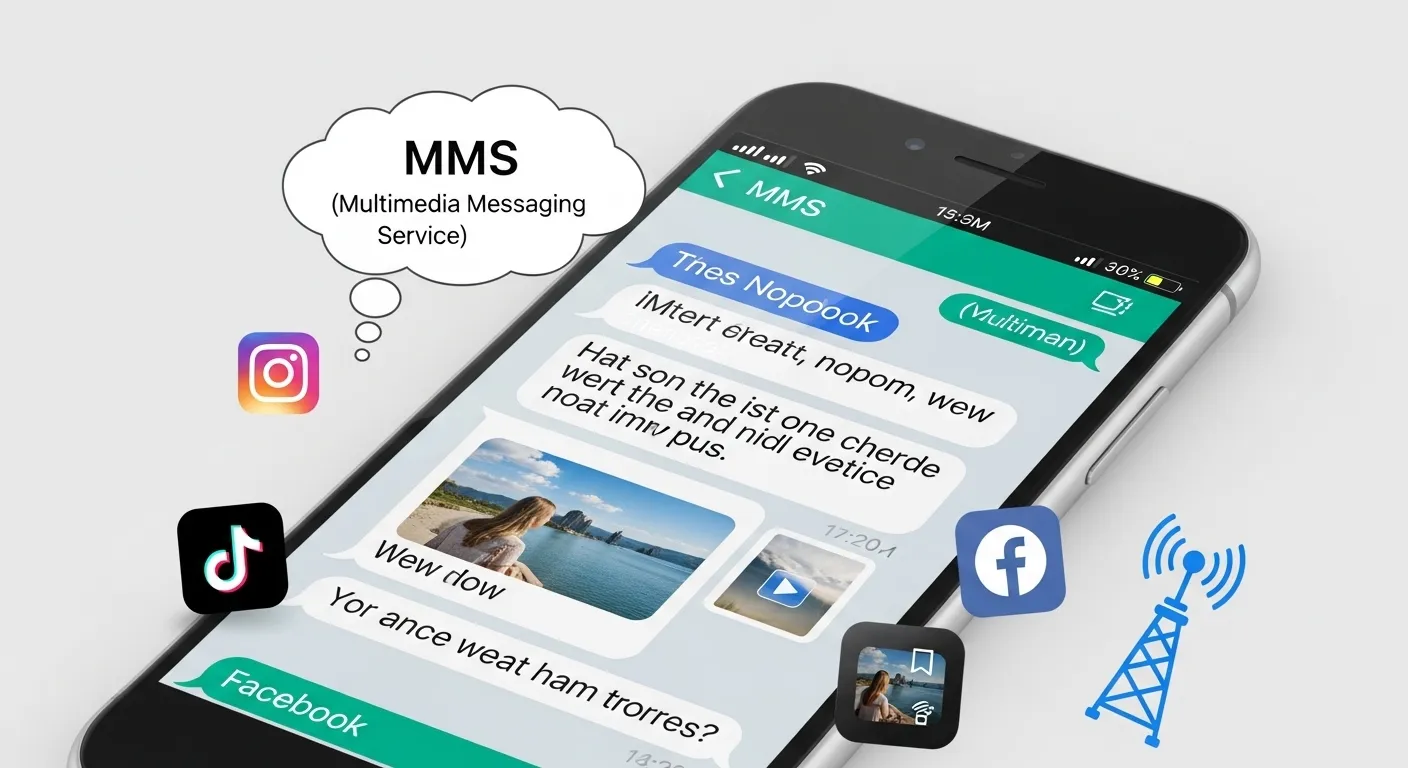
The short answer is simple: MMS stands for Multimedia Messaging Service. It allows users to send multimedia content such as photos, videos, GIFs, audio clips, emojis, and group messages through text messaging.
But there’s much more to understand about MMS messaging, how it works, how it differs from SMS, why people still use it in 2026, and what it means in texting culture today.
This complete guide will explain everything in an easy-to-understand way, including:
- The meaning of MMS in texting
- MMS vs SMS differences
- How MMS works on iPhone and Android
- Why MMS messages sometimes fail
- Popular uses of MMS
- Common misconceptions
- Modern alternatives like RCS and iMessage
- FAQs and practical tips
Let’s dive in.
What Does MMS Mean in Text?
MMS stands for Multimedia Messaging Service.
It is a mobile messaging technology that lets users send content beyond plain text. Unlike traditional SMS messages, MMS supports:
- Photos
- Videos
- Audio files
- GIFs
- Emojis
- Contact cards
- Group texts
- Memes and stickers
For example:
| Message Type | Example |
|---|---|
| SMS | “Hey, I’m on my way.” |
| MMS | Sending a selfie with the text “Ready for the party!” |
Whenever you send a picture through your phone’s default messaging app without using apps like WhatsApp or Messenger, you are usually sending an MMS.
MMS Meaning in Texting and Online Conversations
In texting culture, people often use “MMS” in a technical way rather than slang.
Examples include:
- “Your phone isn’t downloading MMS.”
- “Turn on MMS messaging in settings.”
- “This group chat uses MMS.”
- “My carrier charges for MMS messages.”
Unlike slang abbreviations such as LOL or BRB, MMS is more of a communication technology term.
Still, it appears frequently in online conversations because multimedia messaging remains widely used across smartphones.
The History of MMS Messaging
To fully understand MMS meaning in text, it helps to know where it came from.
SMS Came First
Before MMS existed, mobile users relied on SMS (Short Message Service).
SMS allowed:
- Only plain text
- Maximum 160 characters
- No photos or videos
As phones became more advanced, people wanted richer communication features.
MMS Was Introduced
MMS was introduced in the early 2000s to solve this problem.
It expanded messaging by allowing:
- Images
- Audio clips
- Video sharing
- Multimedia attachments
At the time, MMS felt revolutionary because users could suddenly share pictures directly from their phones.
MMS vs SMS: What’s the Difference?
One of the most searched questions online is the difference between MMS and SMS.
Here’s a simple breakdown.
| Feature | SMS | MMS |
|---|---|---|
| Full Meaning | Short Message Service | Multimedia Messaging Service |
| Supports Photos | No | Yes |
| Supports Videos | No | Yes |
| Supports Audio | No | Yes |
| Internet Required | Usually no | Mobile data often required |
| Character Limit | 160 characters | Much larger |
| Group Messaging | Limited | Yes |
| Media Sharing | No | Yes |
Simple Explanation
- SMS = plain text only
- MMS = text plus media
If you attach a photo to a message, your phone usually converts it from SMS to MMS automatically.
How MMS Works
Many people use MMS daily without understanding how it actually functions.
Here’s a simplified explanation.
Step-by-Step MMS Process
- You attach media to a text message
- Your phone converts it into MMS format
- The message is sent through your mobile carrier’s network
- The recipient downloads the multimedia content
Unlike internet-based apps such as WhatsApp, MMS often relies partly on cellular carrier systems.
Common Things Sent Through MMS
MMS is commonly used for sharing:
Photos
People frequently send:
- Selfies
- Vacation pictures
- Family photos
- Screenshots
Videos
Short clips like:
- Funny moments
- Birthday videos
- Pet videos
GIFs and Memes
Reaction memes and animated GIFs are extremely popular in modern texting.
Group Messages
Many group chats automatically use MMS.
Voice Clips
Some phones allow audio sharing through MMS.
MMS on iPhone vs Android
Both iPhone and Android devices support MMS, but there are slight differences.
MMS on iPhone
On iPhones, MMS is enabled through:
- Settings
- Messages
- MMS Messaging
Apple users often use:
- iMessage (internet-based)
- MMS (when messaging non-Apple users)
When iMessage is unavailable, the phone may switch to MMS automatically.
MMS on Android
Android devices also support MMS through default messaging apps.
Popular Android messaging apps include:
- Google Messages
- Samsung Messages
Android phones often use MMS for:
- Media sharing
- Group chats
- Cross-device communication
Why MMS Messages Sometimes Fail
One of the most frustrating issues is seeing:
- “MMS failed to download”
- “Message not sent”
There are several common reasons.
1. Mobile Data Is Off
MMS usually requires mobile data.
If mobile data is disabled:
- Pictures may not send
- Group chats may fail
- Downloads may stop working
2. Poor Network Signal
Weak cellular signals can interrupt multimedia delivery.
3. Carrier Restrictions
Some carriers:
- Limit MMS file sizes
- Charge extra fees
- Restrict international MMS
4. Incorrect APN Settings
Android devices sometimes require proper APN configuration for MMS to function.
5. Software Bugs
Outdated apps or operating systems may cause messaging problems.
Does MMS Cost Money?
This depends on your carrier and mobile plan.
In the Past
Older phone plans often charged:
- Per MMS message
- Extra fees for picture messaging
Today
Most modern plans include:
- Unlimited MMS
- Unlimited texting
- Media messaging
However, roaming charges or international messaging fees may still apply.
Is MMS Still Used in 2026?
Yes — surprisingly, MMS is still very common.
Even though apps like:
- Telegram
- Signal
- Messenger
- Snapchat
dominate modern communication, MMS remains important because it works across nearly all mobile phones.
Why MMS Still Matters
Universal Compatibility
Almost every phone supports MMS.
No Extra App Needed
Users can send media directly through default messaging apps.
Useful for Businesses
Many companies still use MMS marketing campaigns.
Backup Communication
If internet apps fail, MMS may still work through cellular networks.
MMS in Business and Marketing
Businesses frequently use MMS for customer engagement.
Common MMS Marketing Examples
Companies send:
- Coupons
- Product images
- Promotional videos
- Appointment reminders
- Event invitations
MMS marketing often has higher engagement because visuals attract attention.
Example:
A restaurant sends a photo of a new burger special directly to customers.
This feels more engaging than plain text.
MMS vs RCS: The New Messaging Battle
In recent years, RCS (Rich Communication Services) has become a major alternative to MMS.
What Is RCS?
RCS is a newer messaging technology offering:
- High-quality media
- Read receipts
- Typing indicators
- Better group chats
- Wi-Fi messaging
Many people consider RCS the “next generation” of SMS and MMS.
MMS vs RCS
| Feature | MMS | RCS |
|---|---|---|
| Media Quality | Lower | Higher |
| Internet Features | Limited | Advanced |
| Read Receipts | No | Yes |
| Typing Indicators | No | Yes |
| Wi-Fi Messaging | No | Yes |
Despite this, MMS still acts as a fallback on many devices.
Common Misunderstandings About MMS
Many people misunderstand what MMS actually is.
Let’s clear up some myths.
Myth 1: MMS Is a Social Media App
False.
MMS is a messaging protocol, not an app.
Myth 2: MMS Requires Wi-Fi
Not always.
MMS usually works through mobile data and carrier networks.
Myth 3: MMS and SMS Are the Same
They are related but different.
- SMS = text only
- MMS = multimedia
Myth 4: MMS Is Outdated and Dead
Not true.
While newer technologies exist, MMS remains widely used worldwide.
Examples of MMS in Everyday Life
Here are some real-world examples.
Example 1: Family Photo Sharing
“Look at our vacation picture!”
(Photo attached)
That’s MMS.
Example 2: Group Chat
A group conversation between multiple people often switches to MMS automatically.
Example 3: Meme Sharing
Sending funny memes through your default messaging app usually uses MMS.
Example 4: Birthday Video
A short birthday clip sent through text is typically MMS.
How to Enable MMS on Your Phone
On iPhone
- Open Settings
- Tap Messages
- Turn on MMS Messaging
On Android
- Open Messaging App
- Go to Settings
- Enable MMS or Multimedia Messages
Carrier settings may vary slightly.
Advantages of MMS
MMS offers several benefits.
Rich Communication
Users can share:
- Emotions
- Visuals
- Reactions
- Videos
more naturally.
Easy to Use
No extra app downloads are needed.
Broad Compatibility
Works across most phones and carriers.
Better Engagement
Visual messages often get more attention than plain text.
Disadvantages of MMS
Despite its usefulness, MMS has limitations.
Lower Media Quality
Images and videos may be compressed.
Data Usage
MMS may use mobile data.
Carrier Dependence
Some networks handle MMS poorly.
Size Limits
Large videos may fail to send.
Popular Alternatives to MMS
Modern users often prefer internet-based messaging apps.
Offers:
- End-to-end encryption
- HD media sharing
- Free messaging
Telegram
Known for:
- Large file sharing
- Fast cloud messaging
Signal
Popular for privacy and security.
iMessage
Apple’s advanced messaging system.
Facebook Messenger
Widely used for social communication.
Internet Slang Related to MMS
People searching for “MMS meaning in text” often explore similar terms.
Here are some related abbreviations.
| Abbreviation | Meaning |
|---|---|
| SMS | Short Message Service |
| RCS | Rich Communication Services |
| DM | Direct Message |
| PM | Private Message |
| GIF | Animated image format |
| IMO | In My Opinion |
| LOL | Laugh Out Loud |
How MMS Changed Digital Communication
MMS played a huge role in smartphone culture.
Before apps like Instagram and Snapchat existed, MMS allowed people to:
- Share life moments
- Send photos instantly
- Express emotions visually
It helped transition mobile communication from plain text to multimedia interaction.
In many ways, MMS paved the way for modern social messaging.
Tips for Using MMS Efficiently
Here are some helpful tips.
Compress Large Videos
Large files may fail to send.
Keep Mobile Data Enabled
MMS often depends on data connectivity.
Use Wi-Fi Messaging Apps for HD Quality
Apps like WhatsApp usually preserve better image quality.
Update Your Messaging App
Updates fix MMS bugs and compatibility issues.
Check Carrier Support
Some plans may limit MMS functionality.
FAQs About MMS Meaning in Text
1. What does MMS stand for in texting?
MMS stands for Multimedia Messaging Service. It allows users to send pictures, videos, audio, GIFs, and group messages through text messaging.
2. Is MMS the same as SMS?
No.
- SMS is text-only messaging.
- MMS supports multimedia content.
3. Does MMS require internet?
MMS usually requires mobile data but not necessarily Wi-Fi internet.
4. Why are my pictures sending as MMS?
When you attach media like photos or videos, your phone automatically converts the message into MMS format.
5. Is MMS safe?
Generally yes, but users should still avoid:
- Suspicious links
- Unknown attachments
- Spam multimedia messages
6. Why won’t my MMS messages download?
Common causes include:
- Mobile data disabled
- Weak signal
- Incorrect settings
- Carrier issues
7. Is MMS outdated?
MMS is older technology, but it is still widely used because of its universal compatibility across phones and networks.
Final Thoughts
Understanding MMS meaning in text is important because multimedia messaging remains a major part of everyday communication. While newer technologies like RCS, iMessage, and WhatsApp continue to evolve, MMS still serves as a universal and reliable way to share photos, videos, GIFs, and group messages across different devices.
Here’s the key takeaway:
- SMS = plain text
- MMS = multimedia messaging
If you’ve ever sent a selfie, meme, video clip, or group text through your default messaging app, you’ve likely used MMS already.
As digital communication keeps changing, MMS may no longer feel cutting-edge, but it still plays an essential role in keeping people connected worldwide.

I’m a U.S.-based digital culture writer who specializes in modern text slang, social media language, and online communication trends. After years of researching how language evolves in texting and messaging apps, I break down confusing abbreviations into clear, easy-to-understand explanations for everyday readers.